
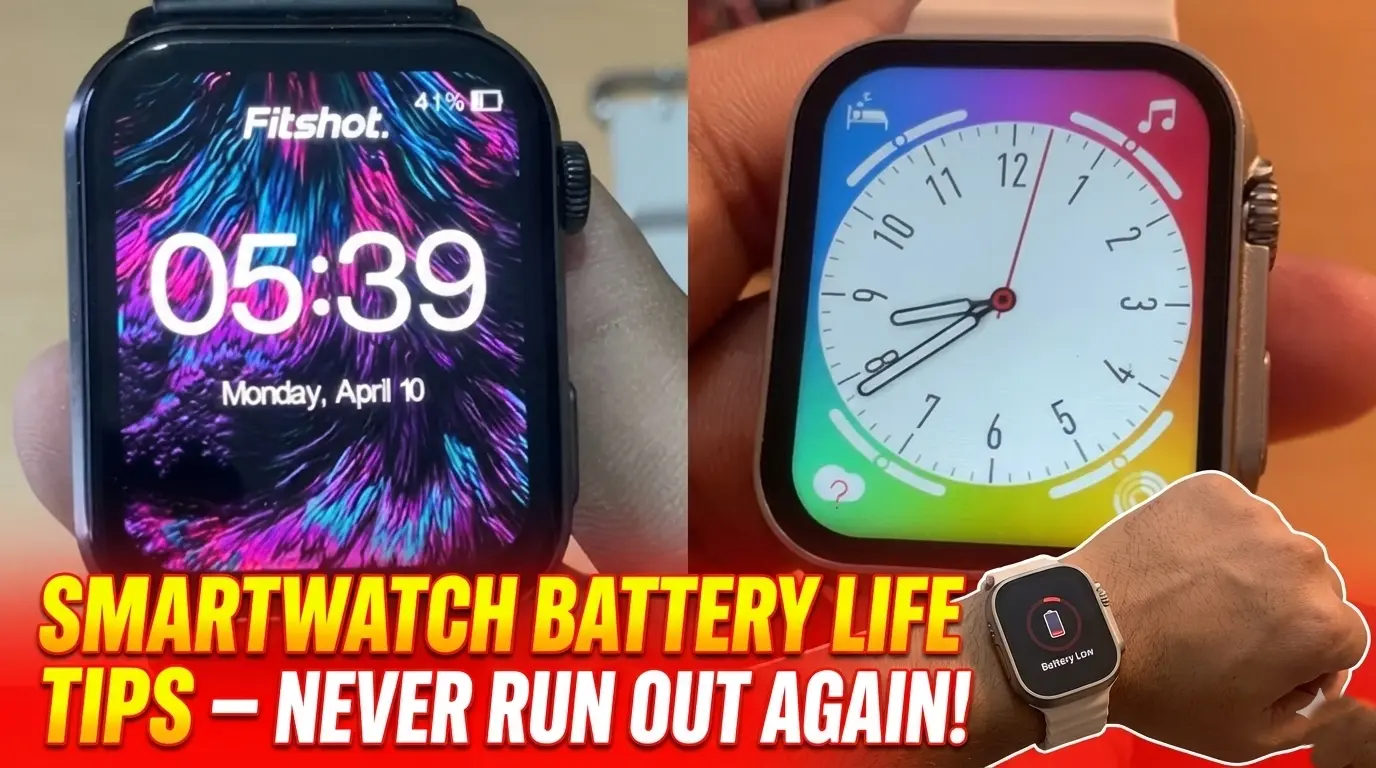
If you’re tired of charging your smartwatch every single day, you’re not alone. Battery drain is one of the most common complaints among smartwatch users, whether you own a fitness tracker or a high-end wearable device. The good news? You don’t have to accept poor battery performance as a fact of life.
In this guide, I’ll share ten practical and effective tips to help you extend your smartwatch battery life significantly. These strategies have worked for thousands of users and can help you go from daily charging to lasting several days on a single charge. Let’s dive in and discover how to get the most out of your wearable technology.
Understanding Why Your Smartwatch Battery Drains Fast
Before we jump into solutions, it’s important to understand what actually drains your smartwatch battery. Most people don’t realize that their usage habits and settings play a huge role in battery performance.
Your smartwatch is essentially a mini-computer on your wrist. It constantly monitors your health metrics, receives notifications, tracks your location, and runs various apps in the background. All of these features require power, and when they’re all running simultaneously, your battery takes a serious hit.
The main culprits behind rapid battery drain include:
- Always-on display settings
- Continuous heart rate monitoring
- GPS tracking during workouts
- Excessive app notifications
- High screen brightness levels
- Background app activity
- Wireless connections (Bluetooth, Wi-Fi, cellular)
Now that you understand the problem, let’s explore the solutions.
Top 10 Tips to Maximize Your Smartwatch Battery Life
1. Adjust Your Display Settings for Better Battery Performance
The display is the single biggest battery drain on any smartwatch. Here’s how to optimize it:
Turn off the always-on display feature. While it’s convenient to glance at your watch anytime, this feature can reduce your battery life by 30-40%. Instead, set your watch to wake when you raise your wrist or tap the screen.
Lower your screen brightness. Most smartwatches come with brightness levels set too high by default. Reducing it to 40-60% is usually enough for indoor use and can add hours to your battery life. Enable auto-brightness if your device supports it, so the display adjusts based on ambient light conditions.
Reduce screen timeout duration. Set your display to turn off after 10-15 seconds of inactivity instead of 30 seconds or longer. Those extra seconds might seem minor, but they add up throughout the day.
2. Optimize Heart Rate and Health Monitoring
Continuous heart rate monitoring is useful but incredibly power-hungry. Consider these adjustments:
- Switch to periodic heart rate checks instead of continuous monitoring if you don’t need real-time data
- Disable features you don’t actively use, such as blood oxygen monitoring or stress tracking
- Turn on intensive health monitoring only during workouts rather than all day long
Most people don’t need their heart rate checked every second. Switching to every 10 minutes or only during activity tracking can extend your battery life by several hours without sacrificing meaningful health insights.
3. Manage GPS Usage Strategically
GPS is essential for accurate workout tracking, but it’s also one of the most power-intensive features on any smartwatch.
Here’s what I recommend:
- Use GPS only when necessary, such as during outdoor runs or cycling
- Enable connected GPS mode, which uses your phone’s GPS instead of the watch’s built-in sensor
- Turn off GPS for indoor activities like yoga, weightlifting, or treadmill running
- Disable location services for apps that don’t need them
By being selective about when you use GPS, you can significantly reduce battery drain while still getting accurate tracking when it matters most.
4. Control Your Notification Settings
Every notification that lights up your screen consumes battery power. While staying connected is important, you probably don’t need every single alert on your wrist.
Take time to customize which apps can send notifications to your smartwatch. Ask yourself: Do I really need email notifications instantly? What about social media alerts?
Consider these practical steps:
- Limit notifications to essential apps only (calls, messages, calendar)
- Use notification filtering to receive alerts only from important contacts
- Set up Do Not Disturb schedules for work hours or sleep time
- Disable vibration for less important notifications to save additional power
Most users find that reducing notifications not only saves battery but also decreases distractions and improves focus throughout the day.
5. Disable Unnecessary Wireless Connections
Your smartwatch maintains multiple wireless connections that constantly consume power:
Bluetooth is essential for connecting to your phone, but you might not need it running 24/7 if you’re at home working at your computer.
Wi-Fi is useful for downloading apps or syncing data, but most smartwatches don’t need constant Wi-Fi connectivity when Bluetooth is available.
Cellular connectivity (if your watch has LTE) is convenient but drains battery quickly. Enable it only when you’re leaving your phone behind.
The simple rule: Turn off connections you’re not actively using. This single change can add 20-30% more battery life to your daily usage.
6. Manage Your Apps and Watch Faces
Third-party apps running in the background can significantly impact battery performance. Here’s how to manage them:
- Uninstall apps you haven’t used in the past month
- Check which apps are consuming the most battery in your watch settings
- Close apps completely instead of leaving them running in the background
- Choose simple watch faces over animated or feature-heavy ones
Animated watch faces with constantly moving elements, weather updates, and multiple complications look impressive but can reduce your battery life by several hours per day. Stick with static watch faces that only show essential information.
7. Optimize Battery Charging Habits
How you charge your smartwatch matters just as much as how you use it:
Avoid letting your battery drain to 0% regularly. Lithium-ion batteries prefer partial discharge cycles. Try to keep your battery between 20-80% for optimal longevity.
Don’t leave your watch on the charger all night, every night. Overcharging can degrade battery health over time. Charge your watch until it reaches 80-90%, then remove it from the charger.
Use the original charger or certified wireless charging accessories. Third-party chargers might not provide optimal charging rates and could damage your battery in the long run.
8. Enable Power Saving Modes Strategically
Most smartwatches offer various power saving options. Learn when and how to use them:
- Enable battery saver mode when your charge drops below 20%
- Use theater mode or sleep mode at night to disable all wake gestures and notifications
- Activate airplane mode when you don’t need connectivity, such as during flights or overnight
- Consider using basic watch mode when you only need to check the time
These modes disable non-essential features while maintaining basic functionality, helping you squeeze out extra hours when you need them most.
9. Keep Your Software Updated
Software updates often include battery optimization improvements that can significantly enhance your smartwatch’s performance. Manufacturers regularly release updates that:
- Fix bugs causing excessive battery drain
- Improve power management algorithms
- Optimize background processes
- Enhance overall system efficiency
Check for updates regularly and install them when available. Many users report noticeable battery improvements after updating to the latest firmware version.
10. Perform Regular Battery Maintenance
Just like any electronic device, your smartwatch needs occasional maintenance:
Calibrate your battery every few months by letting it drain to 0%, then charging it to 100% without interruption. This helps the battery management system accurately report remaining charge.
Restart your watch weekly to clear temporary files and stop background processes that might be draining power unnecessarily.
Clean your charging contacts regularly to ensure efficient charging and prevent power loss during the charging process.
Advanced Battery Optimization Techniques
For power users looking to squeeze every last drop of battery life, consider these advanced strategies:
- Disable wake gestures and use manual screen activation instead
- Turn off tilt-to-wake features completely
- Reduce haptic feedback intensity or disable it for certain notifications
- Disable voice assistant wake words (you can still activate it manually)
- Turn off automatic workout detection if you manually start tracking anyway
How Long Should Your Smartwatch Battery Last?
Battery life varies significantly depending on your smartwatch model and usage patterns. Here’s what you can typically expect:
- Basic fitness trackers: 5-7 days with moderate use
- Mid-range smartwatches: 2-4 days with typical usage
- Premium smartwatches with cellular: 1-2 days with all features enabled
- Budget smartwatches: 3-5 days depending on features used
By implementing the tips in this guide, you should be able to extend these timeframes by 30-50% or more.
Conclusion
Extending your smartwatch battery life doesn’t require sacrificing the features you love. It’s all about making smart choices and finding the right balance between functionality and efficiency. Start by implementing just two or three of these tips today, and you’ll notice immediate improvements in how long your smartwatch lasts between charges.
The key is to evaluate which features you actually use and disable the ones that aren’t essential to your daily routine. Your smartwatch should work for you, not keep you tethered to a charging cable.
Which tip will you try first? Have you discovered other battery-saving tricks that work for your device? Share your experiences in the comments below and help other smartwatch users get more from their wearable technology!
How often should I charge my smartwatch?
Ideally, charge your smartwatch when it reaches 20-30% battery and unplug it at around 80-90%. Avoid letting it drain completely or keeping it plugged in at 100% for extended periods, as this can degrade battery health over time.
Does using GPS drain my smartwatch battery faster?
Yes, GPS is one of the most power-intensive features on any smartwatch. Using GPS continuously can reduce battery life by 50% or more. Use connected GPS (which relies on your phone) or enable GPS only during outdoor workouts to conserve power.
Can I replace my smartwatch battery when it degrades?
Some smartwatch models allow battery replacement through manufacturer service centers, but many have sealed designs that make replacement difficult or impossible. Check your warranty and manufacturer policies. Proper charging habits can extend your original battery’s lifespan significantly.
Why does my smartwatch battery drain faster in cold weather?
Lithium-ion batteries are sensitive to temperature extremes. Cold weather reduces chemical reactions within the battery, temporarily decreasing capacity and performance. Keep your smartwatch close to your body in winter, and battery performance should return to normal in warmer conditions.
Will turning off Bluetooth save significant battery life?
While Bluetooth does consume power, modern Bluetooth Low Energy (BLE) technology is quite efficient. Turning off Bluetooth saves some battery but disconnects your watch from your phone, disabling notifications and many smart features. The trade-off usually isn’t worth it unless you’re in emergency low-battery situations.